|
|
|
|
|
| |
| |
| |
| |
|
|
|
» |
 |
|
| |
| |
| |
| |
| |
| |
|
|
|
 Authorization Authorization
|
|
|
|
|
|
|
How to activate the program I purchased |
|
|
|
|
|
|
To activate the program you purchased, please, follow the steps below:
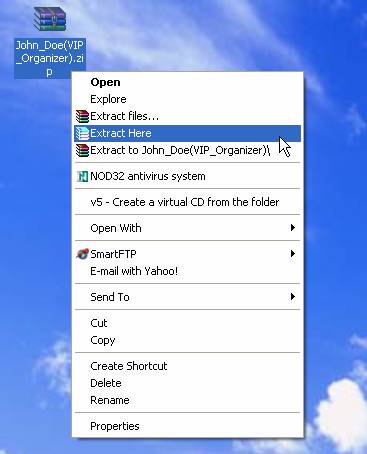
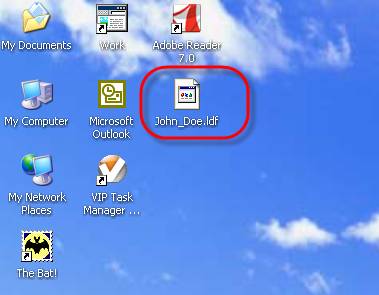
- Save .zip file with the code that you received from us on your computer (ex., on your Desktop) and extract .ldf from .zip file
- Start the application
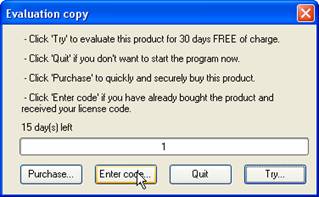
- If your trial period has not been expired yet, "Evaluation copy" window will appear. Click on "Enter code…" button in this dialog.
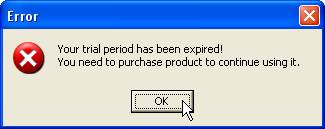
If your trial period has been expired, "Error" window will appear. Click on "Ok" button in this dialog.
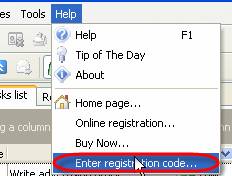
If the application is opened, click on menu Help and select option Enter registration code….
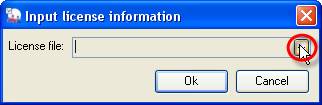
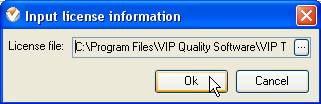
- In "Input license information" dialog click on
 button button
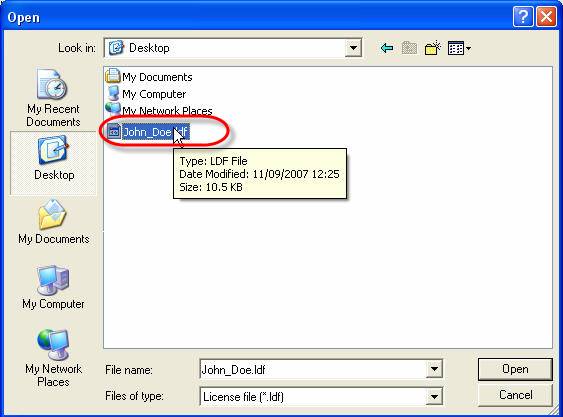
- In "Open" dialog find and select the ".ldf" code (ex.: John_Doe.ldf on Desktop)
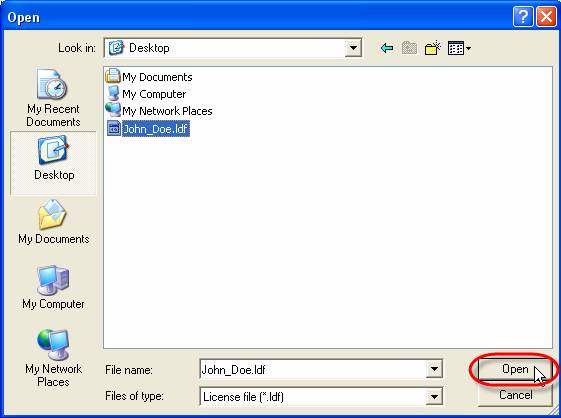
- Click on "Open" button
- Click on "Ok" button in "Input license information" dialog


|
|
|
|
|
|