Buy
   
VIP Simple To Do List software main features
Live Chat Software for Business
Overview
»Features
Screenshots
Awards & Feedback
Tutorial
Online manual
Version History
Compare products

  LOGIN

<< username >>
<< password >>
Remember me on this computer
  Forgot your password?
  Register

  TESTIMONIALS
"...This is an excellent program. I'm so glad that I stumbled on to this when researching for task management programs. Very low learning curv, quite flexible, and the price is right. Tried at least 20 other programs, either too complicated, too expensive, or poor documentation..."
Chad Lindsey -
Honolulu, HI

VIP Simple To Do List software main features


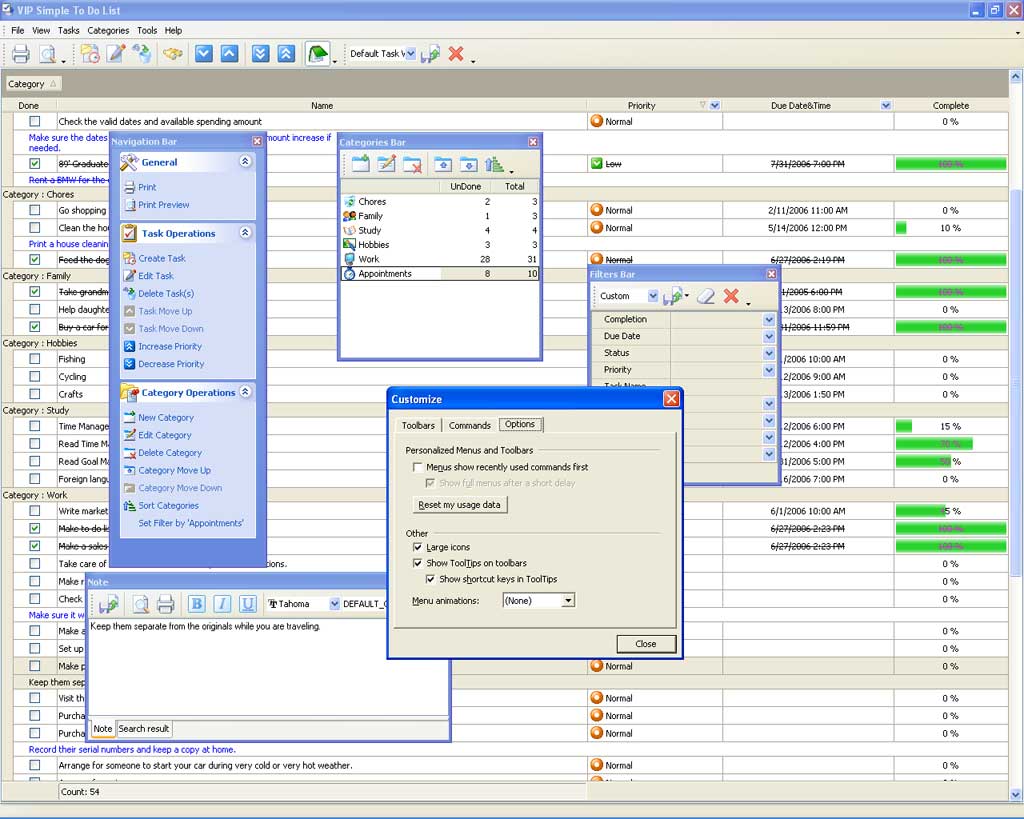
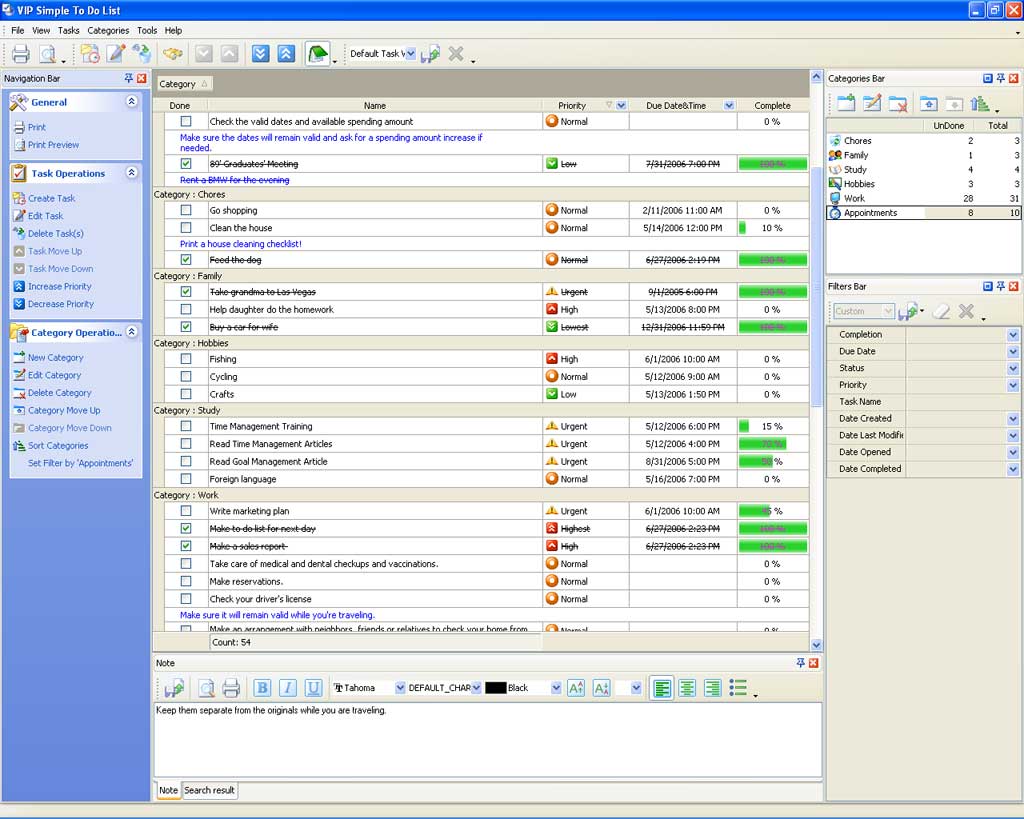
Intuitive interface.

The program features easy and intuitive interface which can be set in different styles including Windows XP native style. Customizable toolbars, task list grid and floating panels allow you to make it convenient for your particular needs.


Easy-to-use and intuitive interface.
Flexible grouping of tasks.

Flexible grouping of tasks.

This unique feature lets group tasks by dragging one or several columns and dropping them onto special zone above the grid. You can also embed them one into another to display your To Do List in a form of a tabular tree.

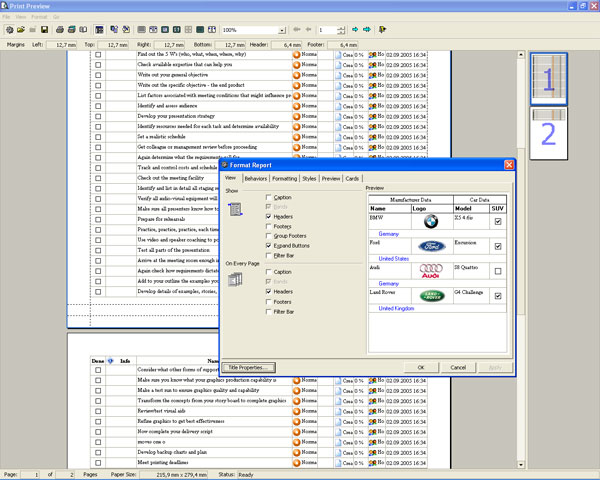
Extended printing capabilities.

Using various design, style and background settings you can present your To Do List as comprehensible and pro-looking report.

Extended printing capabilities.
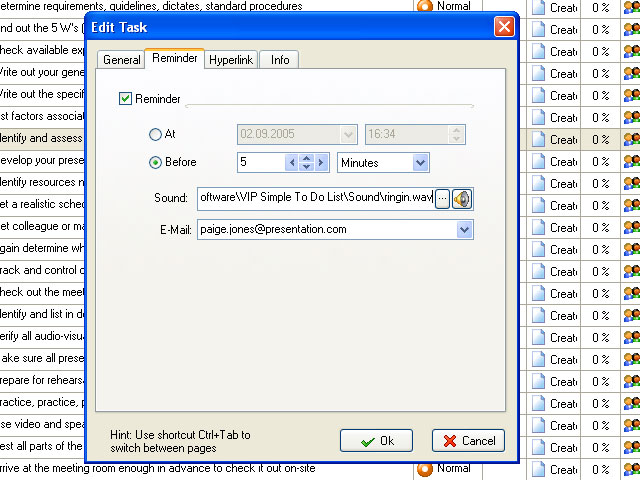
Advanced reminder (Message, Sound and E-mail)

Advanced reminder (Message, Sound and E-mail)

You can set To Do List reminders in the form of message, melody, or send an e-mail with task reminder to computer or mobile phone. Reminder can be set both for definite time and for some period before that time.

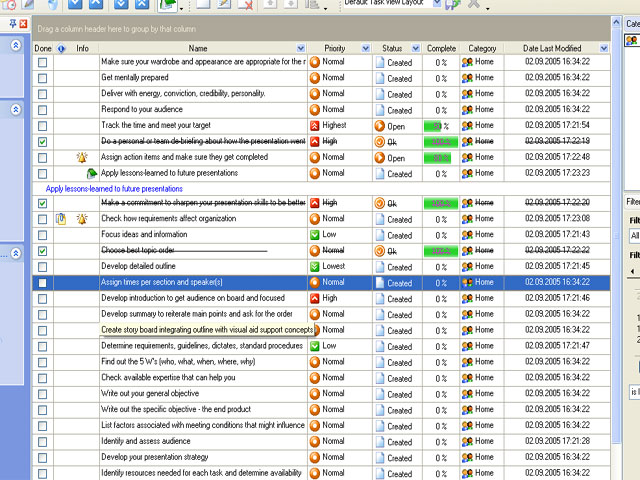
Visual tracking of tasks status.

For tracking tasks progress VIP Simple To Do List offers the following tools: ‘Done’, Complete %, Status and Info columns where you can define and track status of tasks.

Visual tracking of tasks status.
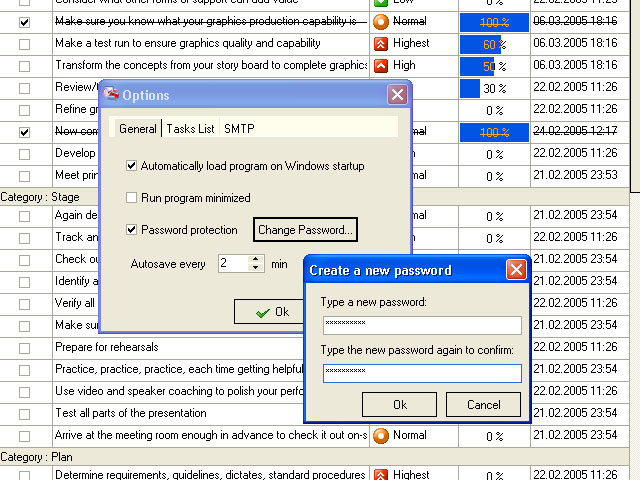
Database password protection.

Database password protection.

To protect data of your To Do List from unauthorized access you can set a password which will be asked each time the database is opened.

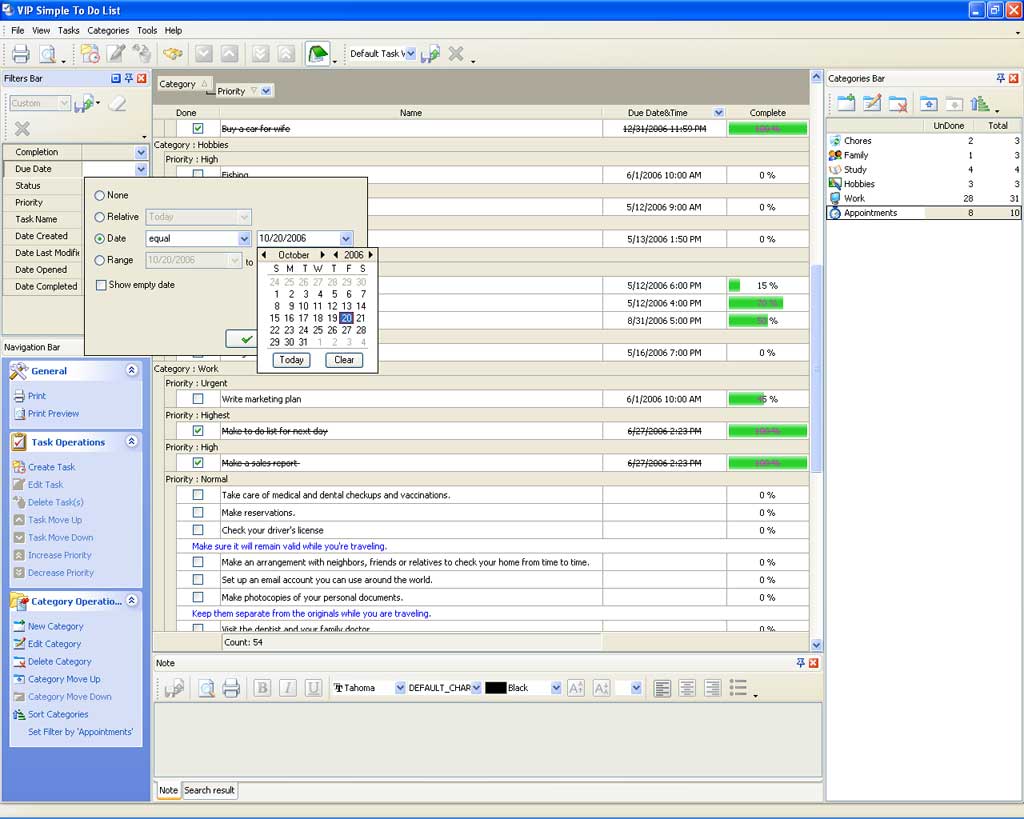
Sorting and filtration of tasks.

Powerful sorting and filtration system helps you optimize your working process and use your To Do list more efficient. Most useful filters are placed on floating panel for quick access.

Sorting and filtration of tasks.
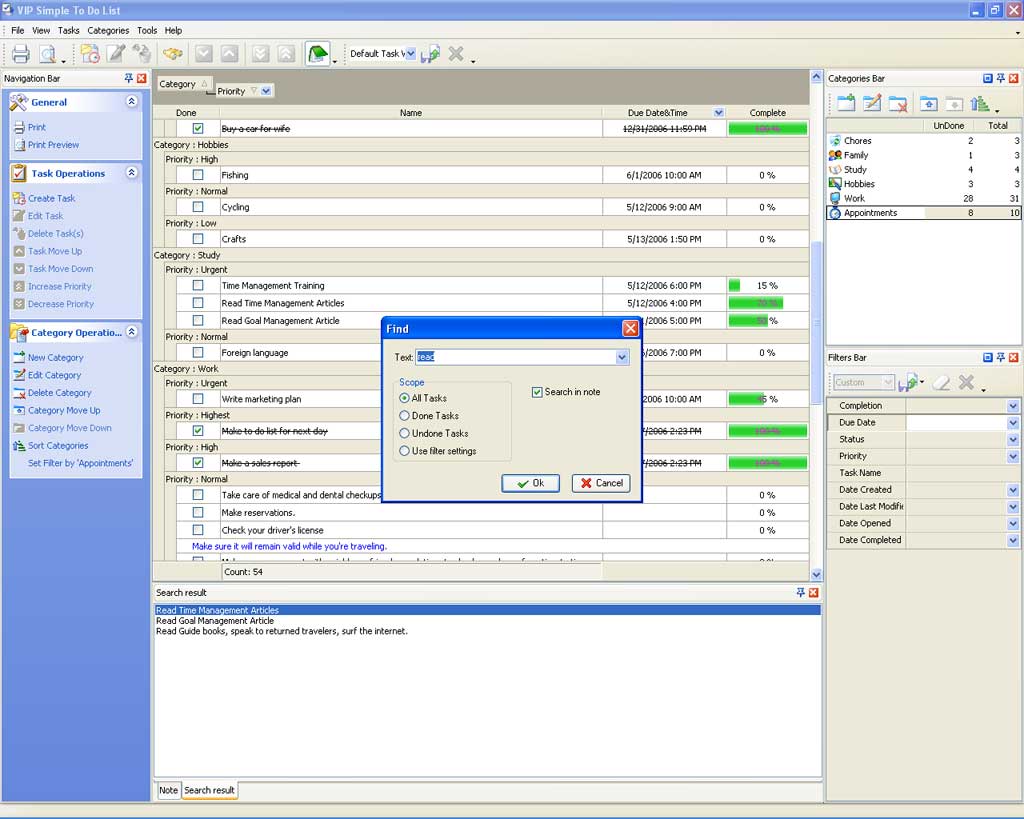
Text search engine.

Text search engine.

Working with big size To Do Lists you can easily find necessary task by using Text Search Engine.


NEWS

Mar 20, 2007
VIP Quality Software releases new Windows Vista capable version of VIP To Do List software line! Download or Update to version 2.7.1 for free.
Oct 17, 2006
VIP To Do List line v2.5 release: new tools for task planning and tracking. Free Download.
Jul 10, 2006
Newsletter: v2.43 Update, VIP Simple To Do List Video Tour, Lesson 3. 'How to set priority and order', Travel Planning Solution, Vacation Checklist.

SCREENSHOTS

To Do List

VIP To Do List Line Update


  Products Solutions Download Buy Support Contact My Account 

  Copyright © 2004 - 2008 VIP Quality Software, Ltd. All Rights Reserved.

 
Legal Information
Task Management Software
Task Management Guide